Most food bloggers who look at WordPress alternatives are not unhappy with their blog. They are unhappy with what it takes to keep it standing: the plugin updates, the caching layer, the recipe card plugin, the SEO plugin, the theme that broke after the last one. The question that keeps them on WordPress anyway is a fair one. What happens to my recipes, my photos and my rankings if I move?
This is what has to survive a move, how to check that it did before anything changes for your readers, and how the move works on Peristyle, step by step.
What has to survive the move
A food blog is not one thing to copy. It is several, and each one breaks a different way.
- Every address. Google ranks pages by their address on your domain. So does every Pinterest pin and every link another blogger ever gave you. If
/lentil-curry/answered with a recipe yesterday and answers with an error tomorrow, that page starts losing what it earned. - Your recipe cards. On WordPress the ingredients, steps and times usually live inside a recipe plugin. Copying the post text alone leaves the recipe behind, or flattens it into a paragraph nobody can scale or print.
- Your photos. Featured images and every photo inside a post, moved into the new site's own library, not hot-linked back to the old host you are about to cancel.
- Your categories and tags. The archive pages readers browse, and the structure that tells search engines what you cook.
- Your readers, the whole time. A move that takes your site down for a weekend costs you that weekend.
Any WordPress alternative worth considering should be able to tell you, specifically, how each of those comes across. Ask, and ask how you can check.
Website migration SEO, in plain terms
Search engines do not rank WordPress. They rank addresses on your domain. That is why a move does not have to cost you rankings, and why the ones that do almost always fail the same way: an address that used to answer with a page starts answering with an error.
So the safe order is:
- Bring every post across at the address it already has. Same slug, same path.
- Check every address before your domain moves. Take your sitemap, ask the new site for each address on it, and fix anything missing while your WordPress is still the site readers reach.
- Move the domain last. It is one DNS record at the company you bought the domain from. Your domain stays registered in your name, and your email runs on separate records the move never touches.
- Keep the way back open. Leave your old hosting in place for 30 days. If anything looks wrong, pointing the record back brings your WordPress back in minutes.
- Tell Google. Submit the sitemap in Search Console, then open your ten most-read recipes yourself.
None of that is specific to Peristyle. It is how any careful move should go.
How a move works on Peristyle
Peristyle builds three things for food creators and food bloggers: the place your readers arrive, the cart they shop from, and the credit when a machine repeats your recipe. Moving from WordPress takes four steps, and your WordPress keeps serving readers through all of them.
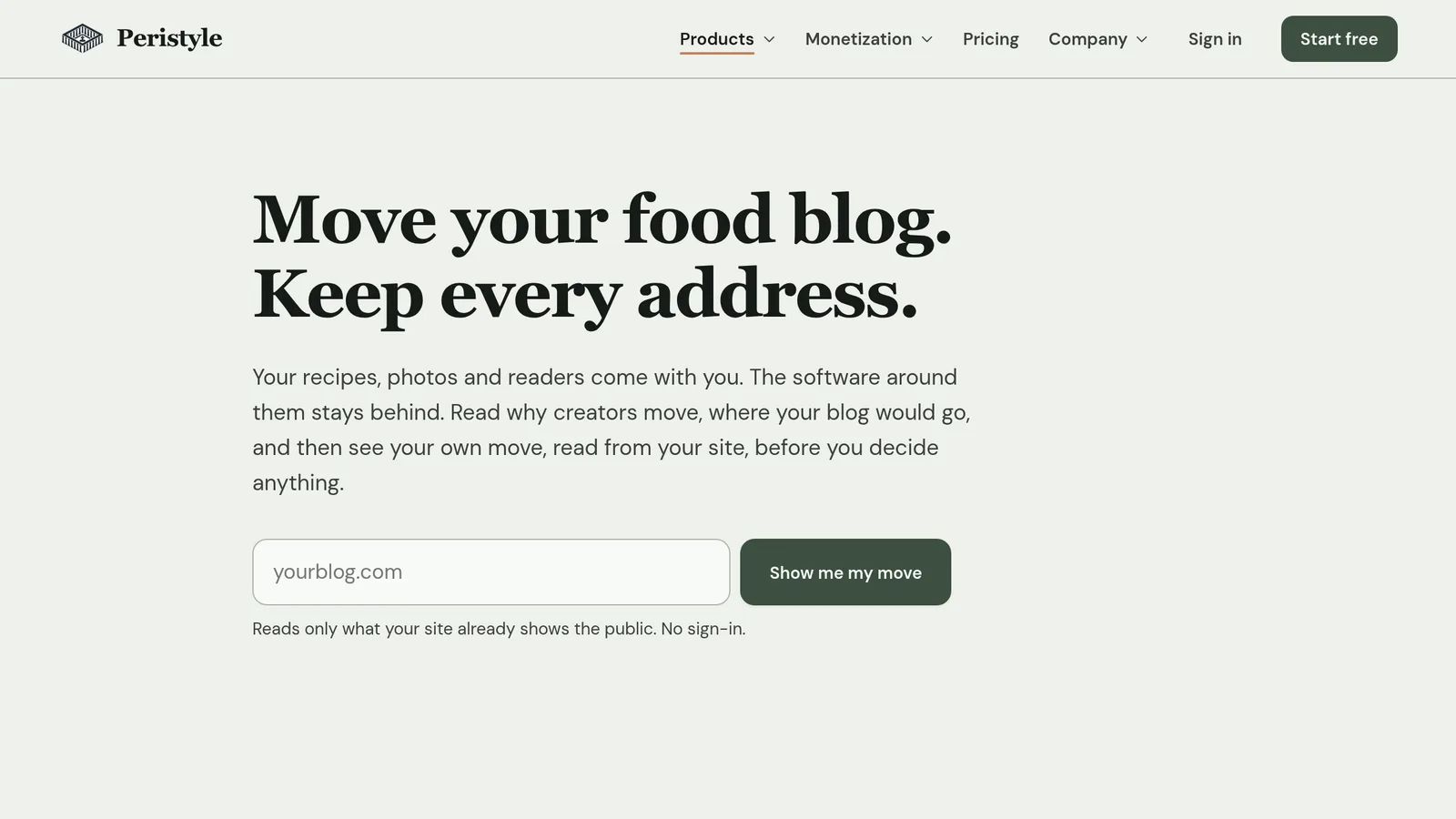
1. See your own move first. Paste your blog's address at peristyle.io/migrate. It reads what your site already shows the public and counts your posts, pages, photos, categories and addresses, then shows one of your own posts at the same address. Nothing is signed in to or changed.
2. Make an account. A short code by email. No password to make up.
3. Your staging site goes up, with your posts on it. A staging site is a private, working copy of your blog on Peristyle, at an address only you have. It starts on a plain design and goes up in a few minutes. Readers never see it, and search engines are told not to index it. As soon as it is up, your newest 12 posts come across on their own, free, each at the address it has today, with their categories, tags, featured photos and recipe cards, and your pages come with them. There is nothing to install on your WordPress and nothing to approve: your WordPress is only read, and the move only ever adds to the staging site. Open your posts beside your WordPress and compare before you commit to anything.
A page or category whose address is different on Peristyle gets a permanent redirect from its old one. Recipe cards are read from the recipe data your recipe plugin already publishes, the same data Google reads, into real recipe fields. If a photo or a recipe card does not answer the first time, the move says so and goes back for it on its own. Run it again and nothing is duplicated.
4. Start your 30 free days, then design it. Right before the design, you add a card: nothing is charged before day 30, then it is $89 a month, and cancelling before day 30 costs nothing. The rest of your archive starts coming across the moment you do, while you design. Then the design studio shows your own staging site in each of our designs, in your colors, with your posts and your recipe pages. Pick one, try a palette, switch to dark mode to see how it reads at night, tune the fonts and layout, and finalize. Your design goes onto the staging site in one step. Nothing is rebuilt and every post stays where it was.
After that, the rest is yours to time. Your admin opens with a passkey you make when you want it: your fingerprint, your face or your device code, so only you can sign in, and Peristyle never sees it. Drafts, comments and menus come across with the importer in your admin when you want them. When you are ready to go live, your dashboard checks every address from your WordPress sitemap against the new site, then walks you through pointing your domain.
If you would rather do any of this with a person, every step has a way to book a call with Keith.
What you stop carrying
The reason to move is not the move. It is what you no longer have to keep running. The recipe card, the speed work and the search details are part of a Peristyle site rather than plugins to update. Your site has its own database and its own storage for photos, shared with no one, and your admin exports the whole site whenever you like.
Ads stay part of how you earn. Measured like for like, with ads switched off on both (Lighthouse, mobile, the median of three runs, November 2026), a well-known WordPress food blog's recipe page scored 66 for mobile speed and a Peristyle recipe page scored 94. A faster page has room for fewer, better-placed ads, not none.
Frequently asked questions
Will I lose my Google rankings if I move off WordPress?
Not from the move itself. Google ranks addresses on your domain, not the software behind them. Your posts keep their addresses and come across as they are. A move loses rankings in one way, an address that starts answering with an error, and the address check in your dashboard catches that before your domain moves.
Will my site be down during the move?
No. Your staging site is built and filled at a private address while your WordPress keeps running. Going live is one DNS record, and while it spreads, both sites answer.
Do I have to transfer my domain?
No. It stays registered in your name wherever you bought it. You change the one record that says which server answers.
What about my email?
Email runs on its own records, and the move does not touch them.
What comes across from WordPress?
Automatically: every published post, at the same address, with its categories, tags, featured photo and recipe card, and every published page, with a permanent redirect from any old address that changes. Your newest 12 posts come first, free; the rest when you add a card. Afterwards, with the importer in your admin: drafts, comments and menus. Anything already there is skipped.
What does it cost?
Your staging site goes up and your newest 12 posts come across before you add a card, so you can check them. Your 30 free days start when you add one, right before you design your site, and the rest of your posts come across then. After that it is $89 a month, and cancelling before day 30 means you pay nothing.
What if I want to go back?
Point the record back at your old host. The move never changed your WordPress, so it is live again in minutes. Keep your old hosting for 30 days after you switch and the way back stays open.
Ready to see your own? Paste your address at peristyle.io/migrate. It reads your blog, changes nothing, and shows you exactly what would come across.